How AI Is Transforming Real-Time Image Editing
Explore how real time AI image editing has turned laborious retouch workflows into instant, interactive tools for creators, photographers, and ecommerce teams.
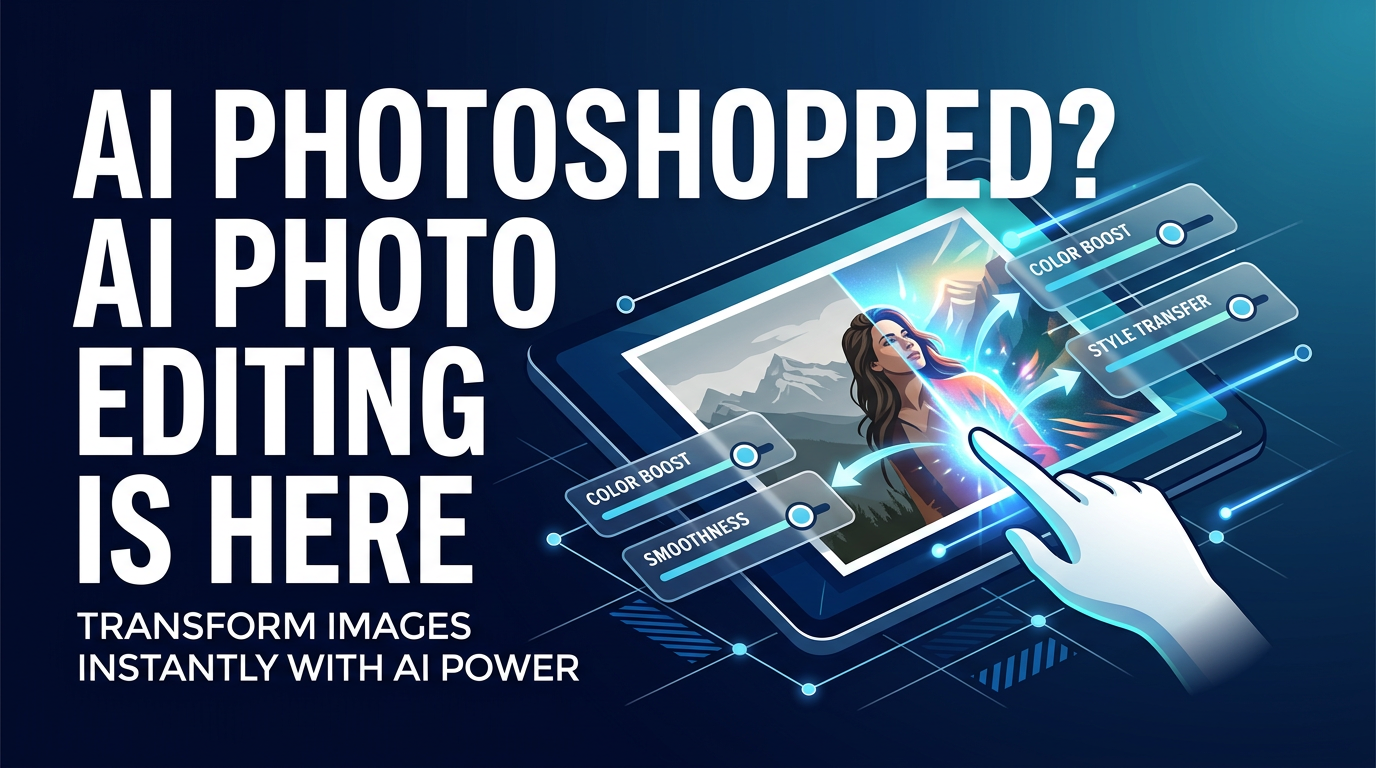
AI has compressed weeks of careful photo retouching into interactive tools that respond in seconds. For anyone who edits images—photographers, ecommerce teams, social creators—this is a transformative shift in how work gets done.
In this article we’ll explain where image editing used to live, what changed with neural networks that understand content, practical examples of real time AI image editing in action, and what comes next. Along the way you’ll see where ImageUpscales fits into modern, on-the-fly workflows.
From hours of manual work to instant interaction
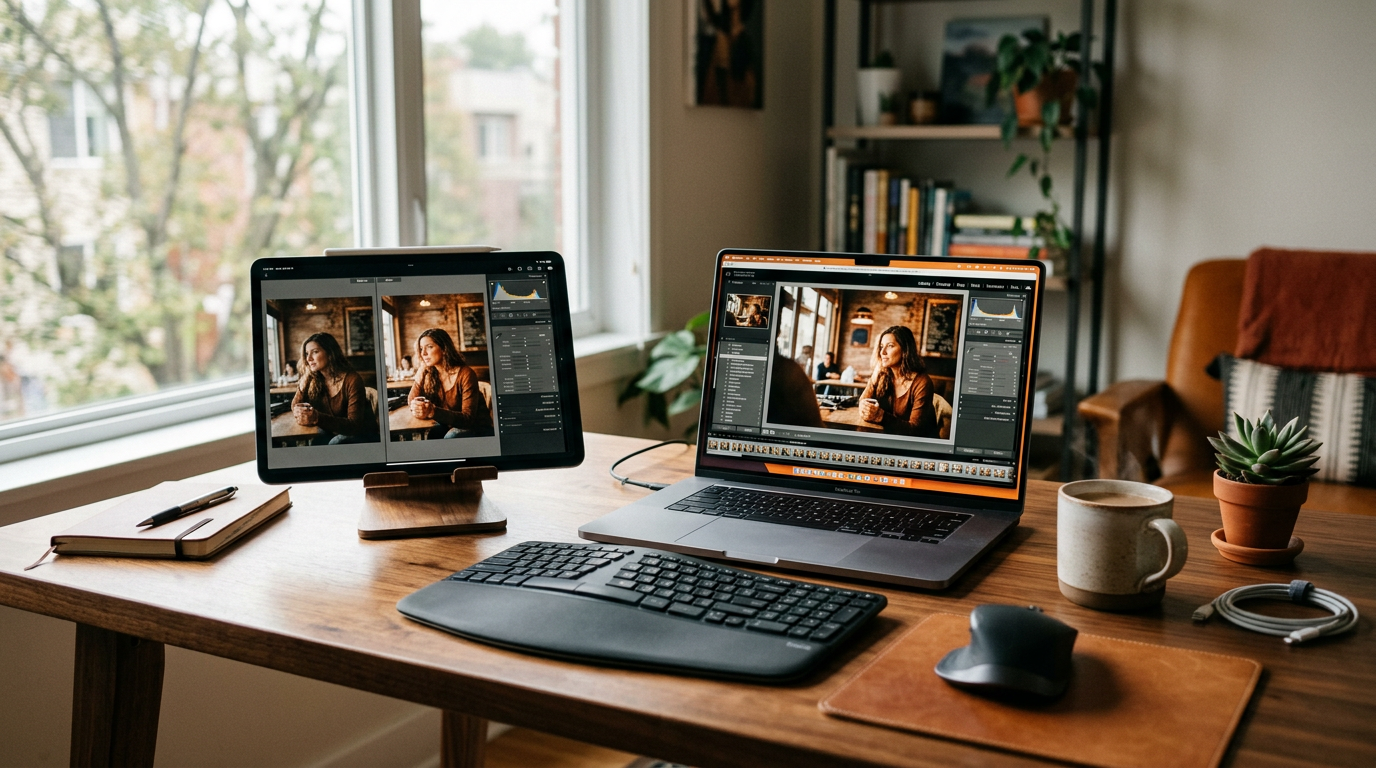
Even a decade ago, a polished product or portrait shot often meant hours inside desktop apps like Photoshop. Editors painted masks, refined edges with tedious brush strokes, created layered composites, and exported multiple versions for different platforms. A single photo could take anywhere from 15 minutes to several hours depending on complexity.
That manual approach put a premium on specialist skills and time. Teams planned shoots knowing they’d need long post-production windows to meet client expectations. Real time AI image editing changes that dynamic: many routine tasks that once demanded manual attention are now automated or interactively suggested as you work.
What changed: AI that “gets” images
The technical leap wasn’t one single feature, but a set of advances that let models understand and manipulate images at a semantic level.
Neural networks that recognize content
Modern neural nets can identify objects, people, backgrounds, and even subtle attributes like skin tone, texture, and depth. That understanding powers precise edits—selecting hair edges, separating foregrounds from complex backgrounds, or preserving fine detail while altering color.
Real-time background removal
Background removal was once a painstaking cutout job. Today, real time AI image editing tools detect the subject and produce clean masks instantly, even over hair and semi-transparent objects. That makes compositing, replacing backgrounds, and generating ecommerce-ready photos a near-instant task.
Instant style transfer and retouching
Style transfer lets you apply a look or mood across a photo in seconds—film grain, a cinematic color grade, or a consistent social-media aesthetic. Retouching that required manual dodge-and-burn or frequency separation can be suggested or applied automatically, with sliders for instant visual feedback.
On-the-fly upscaling and detail restoration
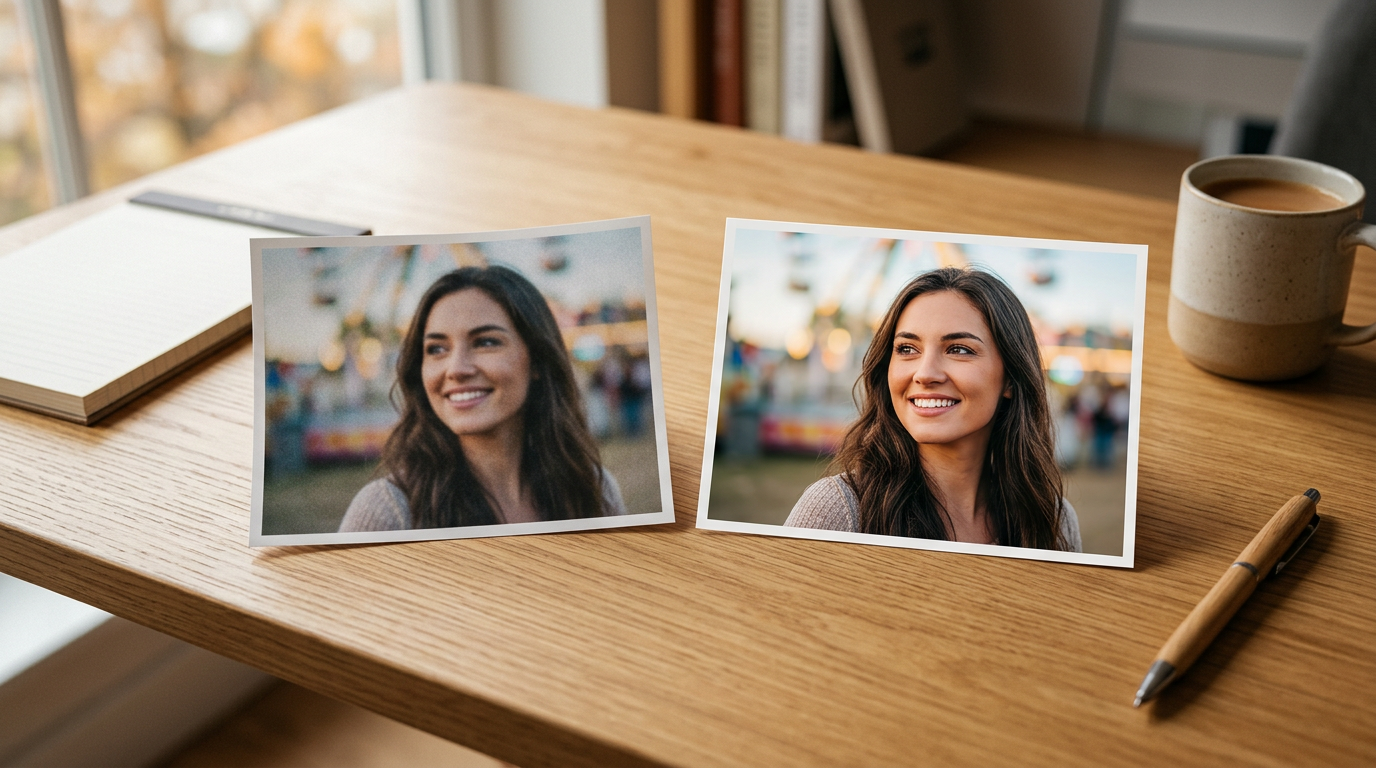
AI upscalers reconstruct lost detail, producing high-resolution outputs suitable for printing or large displays. Where teams once had to reshoot or accept lower-quality deliverables, real-time upscaling delivers crisp images from modest source files. ImageUpscales excels here, producing instant high-resolution output for any source photo without long waits or complicated settings.
Practical examples: saving time across industries
Real time AI image editing is not just a technical novelty—it reshapes real workflows.
Ecommerce: catalog photography finished in minutes
Merchants and photographers can capture product shots in batches, remove backgrounds instantly, apply consistent lighting and color correction, then use AI upscaling to meet platform resolution requirements. What used to be an afternoon of editing becomes a few minutes per batch—faster time-to-listing and lower production costs.
Social creators: edit on the phone, publish now
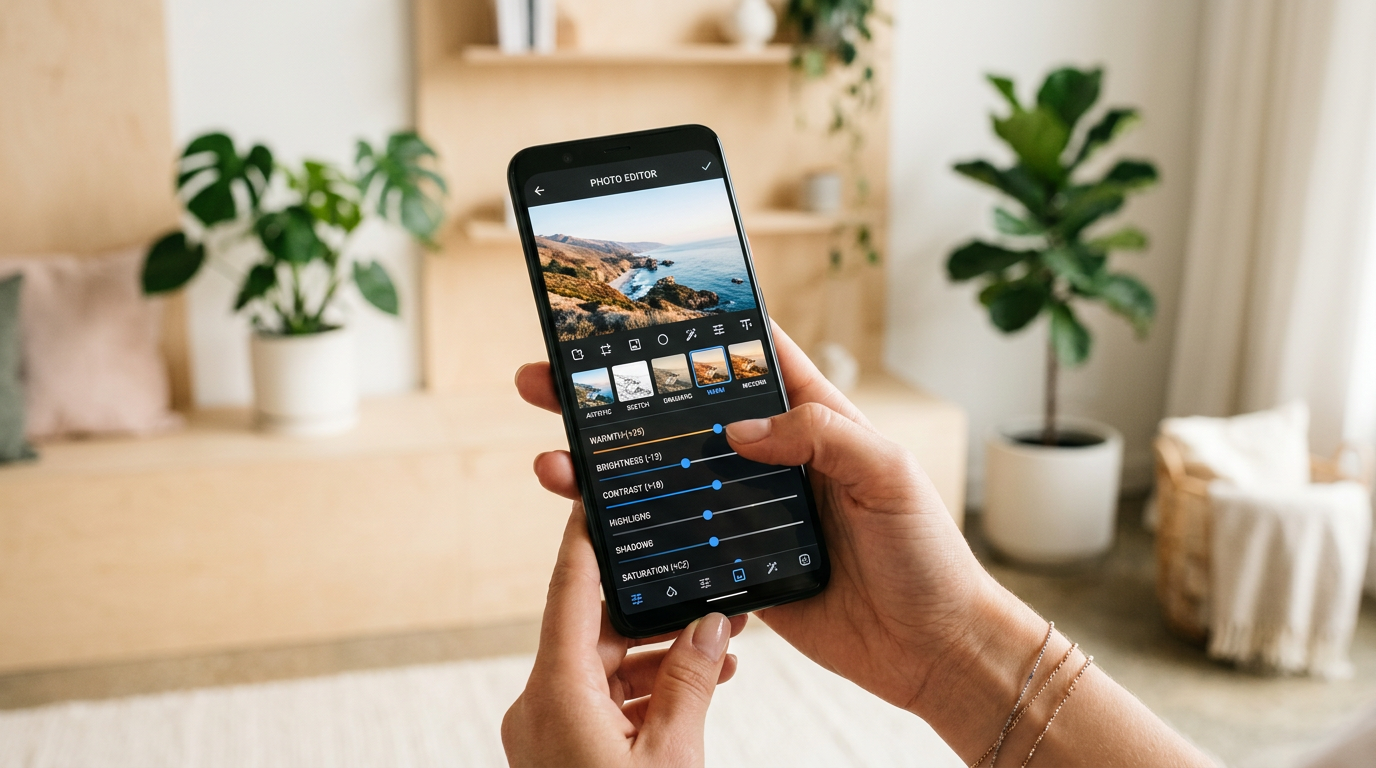
Creators demand immediacy. With real time AI image editing on mobile, creators apply style transfers, retouches, and aspect-crop variations in seconds and publish while the moment is still relevant. Integrated upscaling ensures the same image looks great across Stories, posts, and thumbnails.
Professional photographers: instant client deliverables
Photographers can preview and deliver client-ready images almost immediately after a shoot. Fast background swaps, selective retouching, and one-click upscaling mean proofs and final files can be delivered with minimal additional editing cycles—improving client satisfaction and freeing photographers to focus on shooting.
Where ImageUpscales fits in your real-time toolkit
ImageUpscales brings high-quality, instant upscaling into these real-time editing flows. That matters for several reasons:
- Speed: Generate high-resolution outputs in seconds without rerunning complex pipelines.
- Quality: Preserve texture and edge detail so prints and large-format uses look professional.
- Flexibility: Use ImageUpscales as a final step in a mobile or desktop workflow, or batch-process many images from a shoot.
Because ImageUpscales is designed to integrate into modern editing chains, teams use it alongside background removal tools, style presets, and automated color correction to produce final assets faster and at higher quality than before. Check our pricing to see plans that suit freelancers and teams, or start from the home page to explore features.
What’s next: more interactive and intuitive edits
The next phase of real time AI image editing is about control and expressiveness.
Editable diffusion and targeted generation
Editable diffusion models let users make context-aware changes—altering an object's appearance, adding realistic elements, or refining composition—while keeping the rest of the image intact. That enables highly specific retouches that used to require manual compositing.
Voice- and gesture-driven edits
Expect natural interfaces: voice commands like “brighten the subject’s eyes” or gestures on a touch surface that change saturation or depth will feel less like tools and more like collaboration with an assistant. That lowers the barrier for non-experts and speeds up professional workflows.
Frequently Asked Questions
Q: Is real time AI image editing as good as manual editing?
A: For many routine tasks—background removal, color grading, basic retouching—real time AI image editing matches or exceeds manual speed and quality. Highly bespoke creative retouches may still benefit from an expert’s hand, but those are a shrinking fraction of typical workflows.
Q: Will AI upscaling change how photographers shoot?
A: It gives photographers more flexibility. While you shouldn’t rely on upscaling to fix extreme out-of-focus shots, ImageUpscales and similar tools let you rescue lower-resolution files and deliver professional output without reshoots in many situations.
Q: Are these AI edits reversible and controllable?
A: Modern tools include sliders, history, and mask refinement so you can control intensity and undo changes. The best workflows combine AI speed with manual fine-tuning when needed.
Q: Can creators use real time AI editing on mobile?
A: Yes. Many real-time features are optimized for mobile apps and tablets. That makes it practical for creators to edit and publish from the same device they use to capture content.
Q: How does ImageUpscales protect image quality when enlarging photos?
A: ImageUpscales uses models tuned to reconstruct fine detail and reduce artifacts, so enlarged images keep natural texture and sharpness suitable for prints and large displays.
Conclusion
Real time AI image editing has shifted the balance from slow, manual labor to fast, interactive workflows. Background removal, style transfer, and high-quality upscaling—especially when tools like ImageUpscales are part of the chain—make it possible to produce professional deliverables in minutes. As models become more editable and interfaces more natural, the gap between idea and finished image will only shrink further.
Whether you’re an ecommerce manager, a photographer, or a social creator, adopting real time AI image editing tools will speed production and free creative energy for what matters most: the image itself.