AI Image Upscaler
Increase image resolution, fix blurry photos, and upscale pictures to 2K, 4K, 6K, or 8K online.
Credit cost4 credits · 4K
How to upscale an image
Three simple steps to turn any photo into a sharp, high-resolution result.
Step 1
Upload your image
Drag and drop any photo you want to upscale. We support portraits, landscapes, product photos, artwork, and more.
Step 2
Choose an output size
Pick HD, 4K, or 8K. We handle the resampling, sharpening, and detail recovery automatically.
Step 3
Preview and download
Compare the result against the original, then download the full-resolution file in one click.
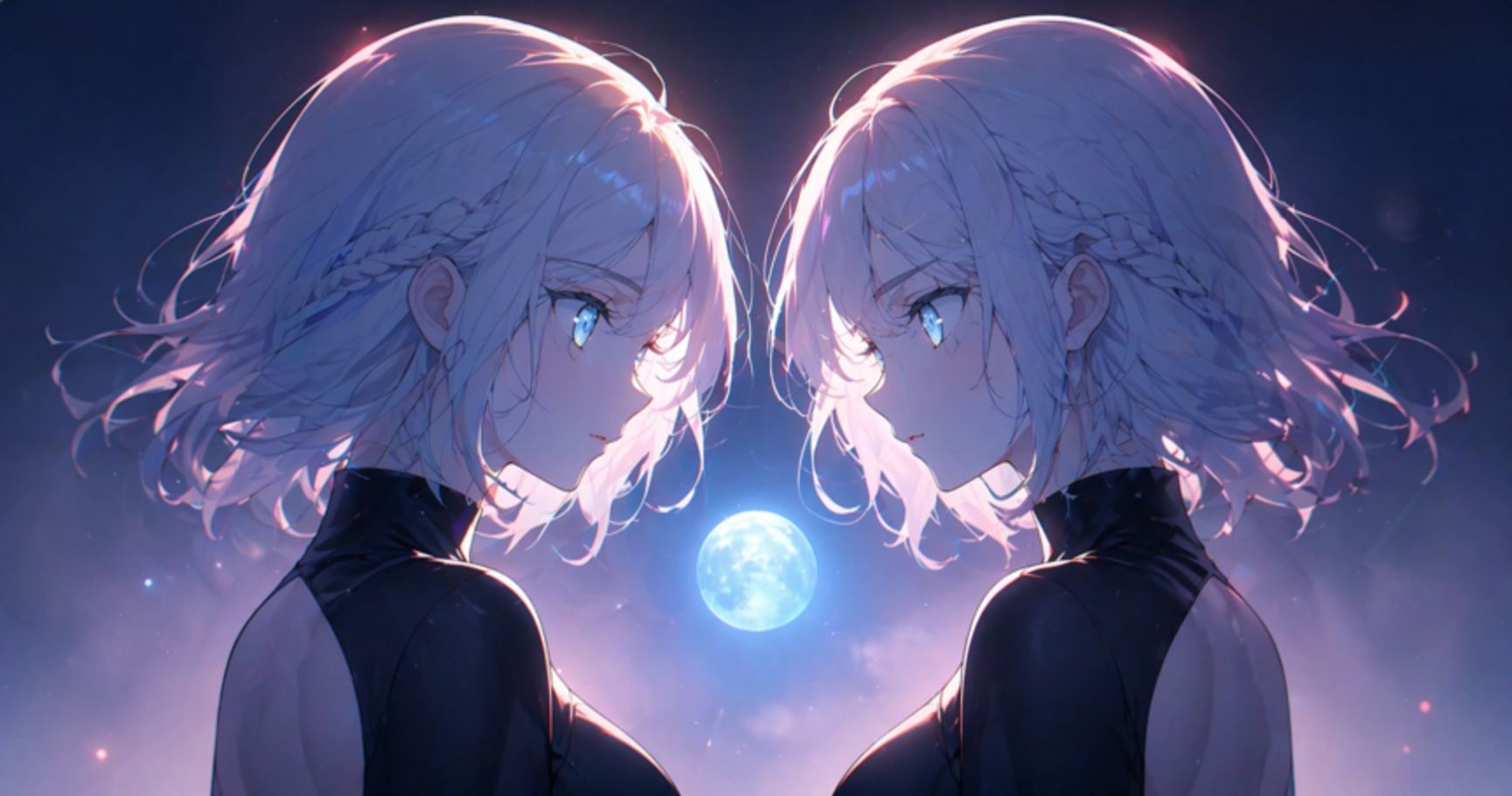
See the difference
Drag the handle to compare the original with the upscaled result.
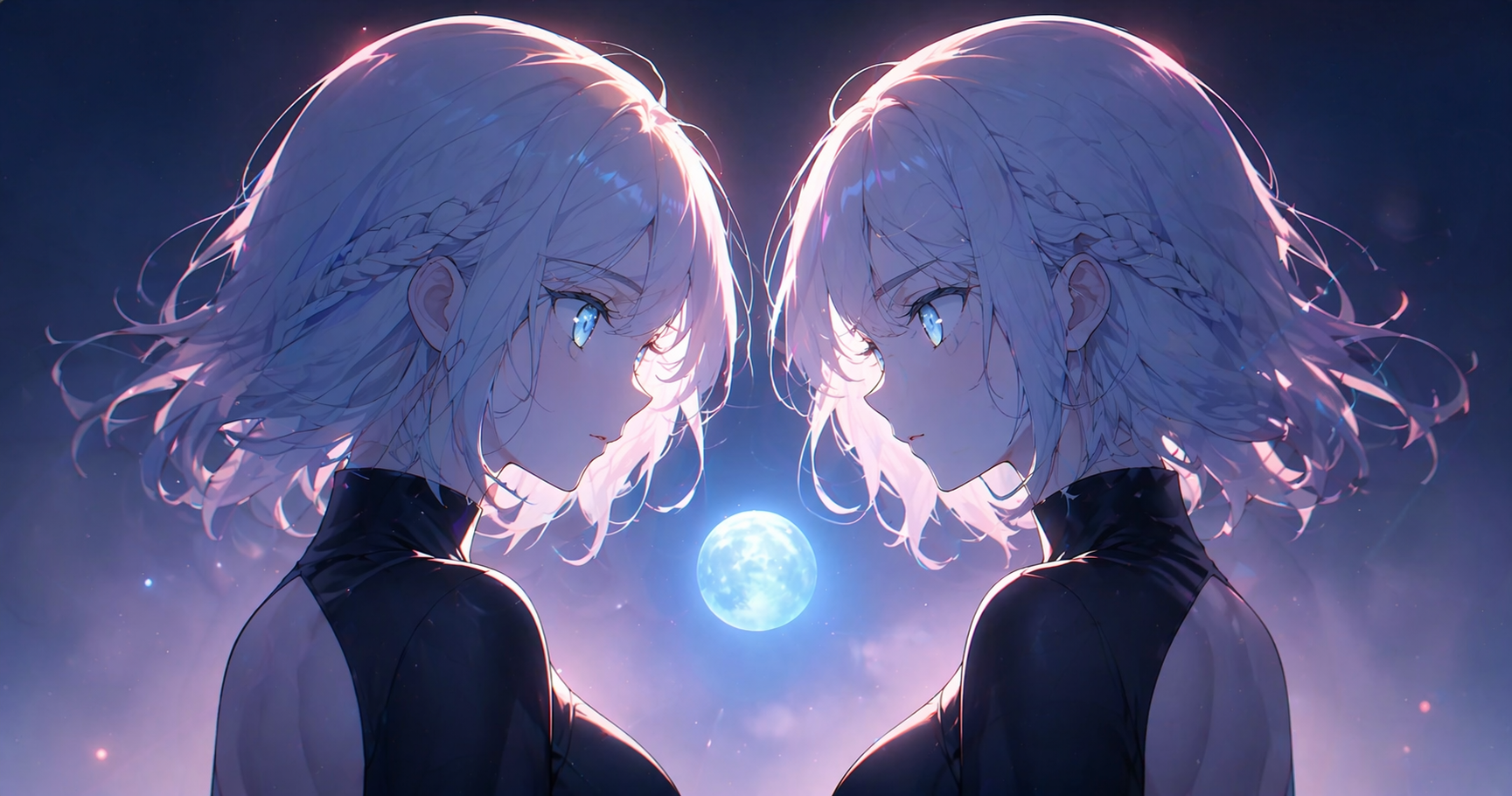
Before
After
Frequently Asked Questions
Get answers to common questions about ImageUpscales.