Etsy Product Photo Upscaling: Make Small Listing Images Look 4K
Small Etsy listing photos can make handmade products look less trustworthy. Here is how to upscale them to 4K while keeping the product honest.
An Etsy product can be beautiful in person and still look cheap online if the listing photo is soft, tiny, or compressed from an old upload.
If you found this page, you probably need to make small product images look sharper in a shop grid, listing gallery, and paid promotion without inventing details that do not exist on the real product.
Seasonal publishing angle
This article is scheduled for the moment people are actively preparing these images, which helps it match seasonal search demand instead of chasing it late.
Start with the real decision
Product photo upscaling is worth doing when the original image already shows the real item clearly. The goal is to make texture, edges, labels, stitching, engraving, and packaging easier to inspect, not to redesign the product with AI.
Quick quality read
The workflow I would use
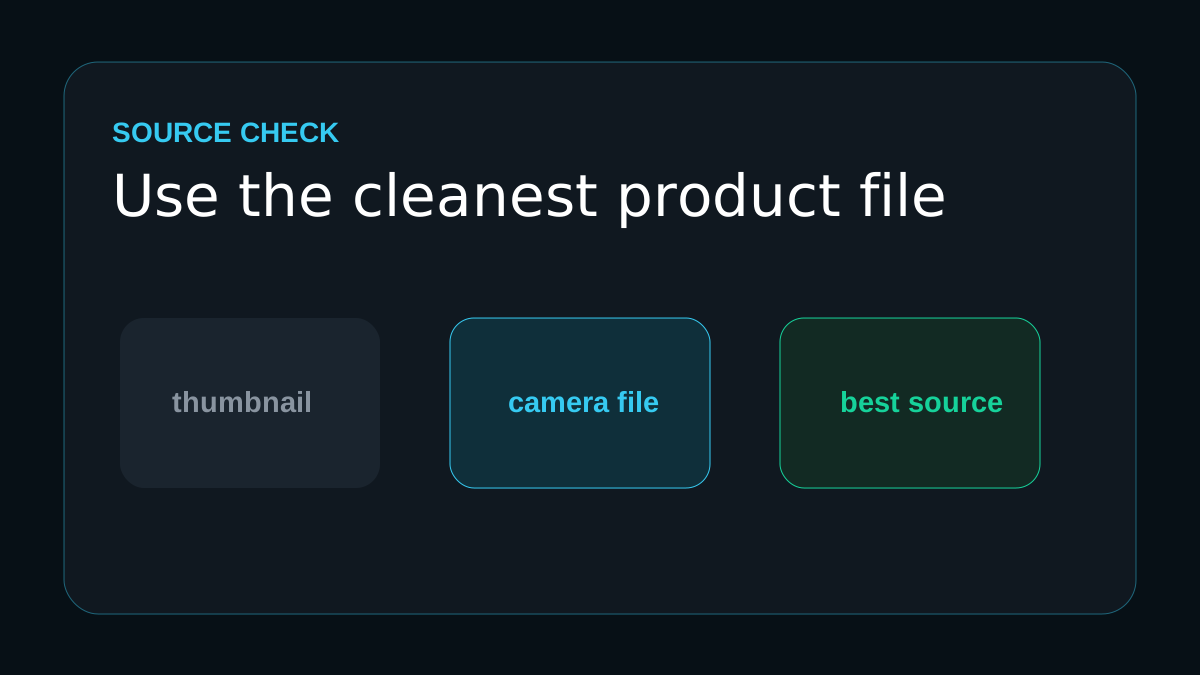
Start with the cleanest product image
Use the original camera export or highest-resolution marketplace file, not a thumbnail from the listing manager.
Upscale before you crop
Create a 4K master first, then crop square, vertical, and detail versions from that cleaner source.
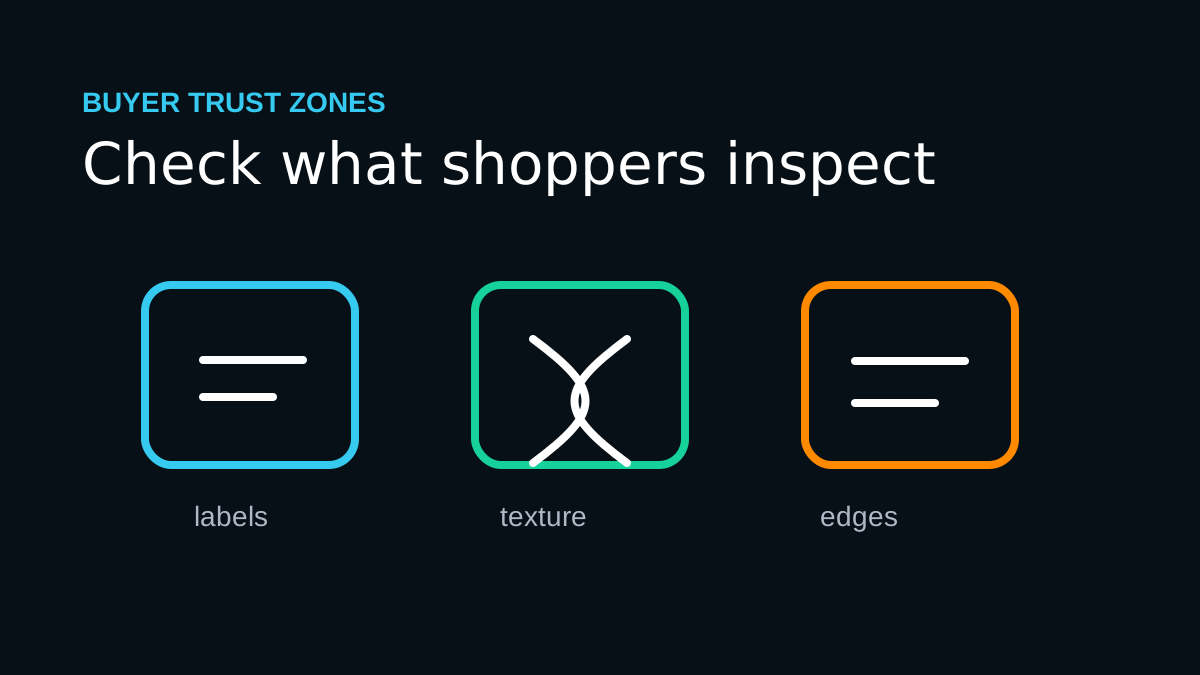
Check buyer-trust details
Zoom into seams, labels, handmade texture, metal edges, engraving, and small printed text before replacing the listing image.
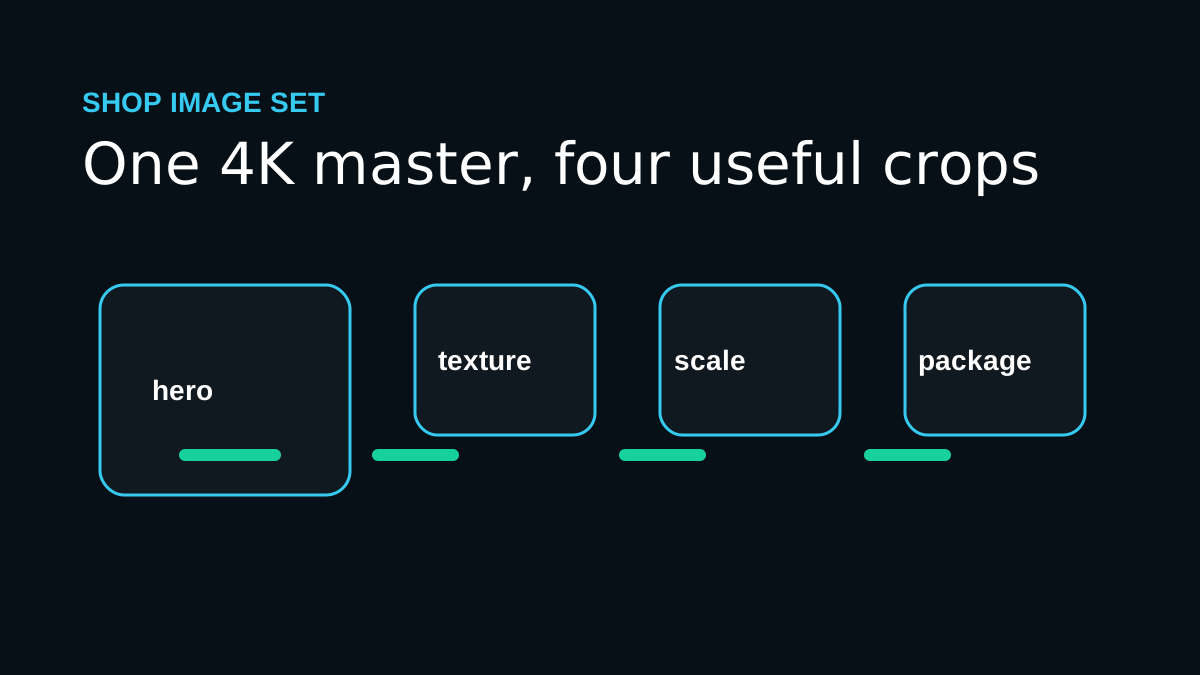
Export one hero and three detail crops
Use the hero for the shop grid, then create close crops for texture, scale, and packaging.
Workflow map
Start with the cleanest product image
Use the original camera export or highest-resolution marketplace file, not a thumbnail from the listing manager.
Upscale before you crop
Create a 4K master first, then crop square, vertical, and detail versions from that cleaner source.
Check buyer-trust details
Zoom into seams, labels, handmade texture, metal edges, engraving, and small printed text before replacing the listing image.
Export one hero and three detail crops
Use the hero for the shop grid, then create close crops for texture, scale, and packaging.
Mistakes that make the result look cheap
- Upscaling a tiny shop thumbnail instead of the original product photo.
- Making handmade texture look too smooth, glossy, or computer-generated.
- Replacing every listing image before checking one test product at full size.
The proof check before you publish
Clearer listing photos help buyers understand what they are getting. If the photo makes the product easier to inspect without changing the product, the upscale is doing its job.
Before you publish or print
Frequently asked questions
Should I always choose the largest upscale size?
No. Choose the smallest output that solves the real use case. Larger sizes are helpful for big prints and heavy crops, but they can exaggerate flaws from weak source files.
Can AI upscaling fix every blurry image?
No. It can improve many low-resolution or slightly soft images, but severe motion blur, missing faces, and heavy compression require realistic expectations.
What should I check after upscaling?
Inspect eyes, hands, text, product labels, straight edges, fabric, and any area that affects trust. If those areas hold up, the image is usually ready for its destination.
One last practical note
This workflow is built around buyer trust: sharp enough to inspect, accurate enough to represent the real item, and practical enough to use across a shop catalog.
Open ImageUpscales, upload one soft Etsy listing photo, choose 4K, and compare the texture, label, and edges before updating the full shop.